Real screens, not renders — the same app on the phone in your hand and the dash in your car.
Design the drive
From a blank map to a built itinerary — the Trip Designer runs the same on the phone in your hand and the three-panel workspace on your desk.
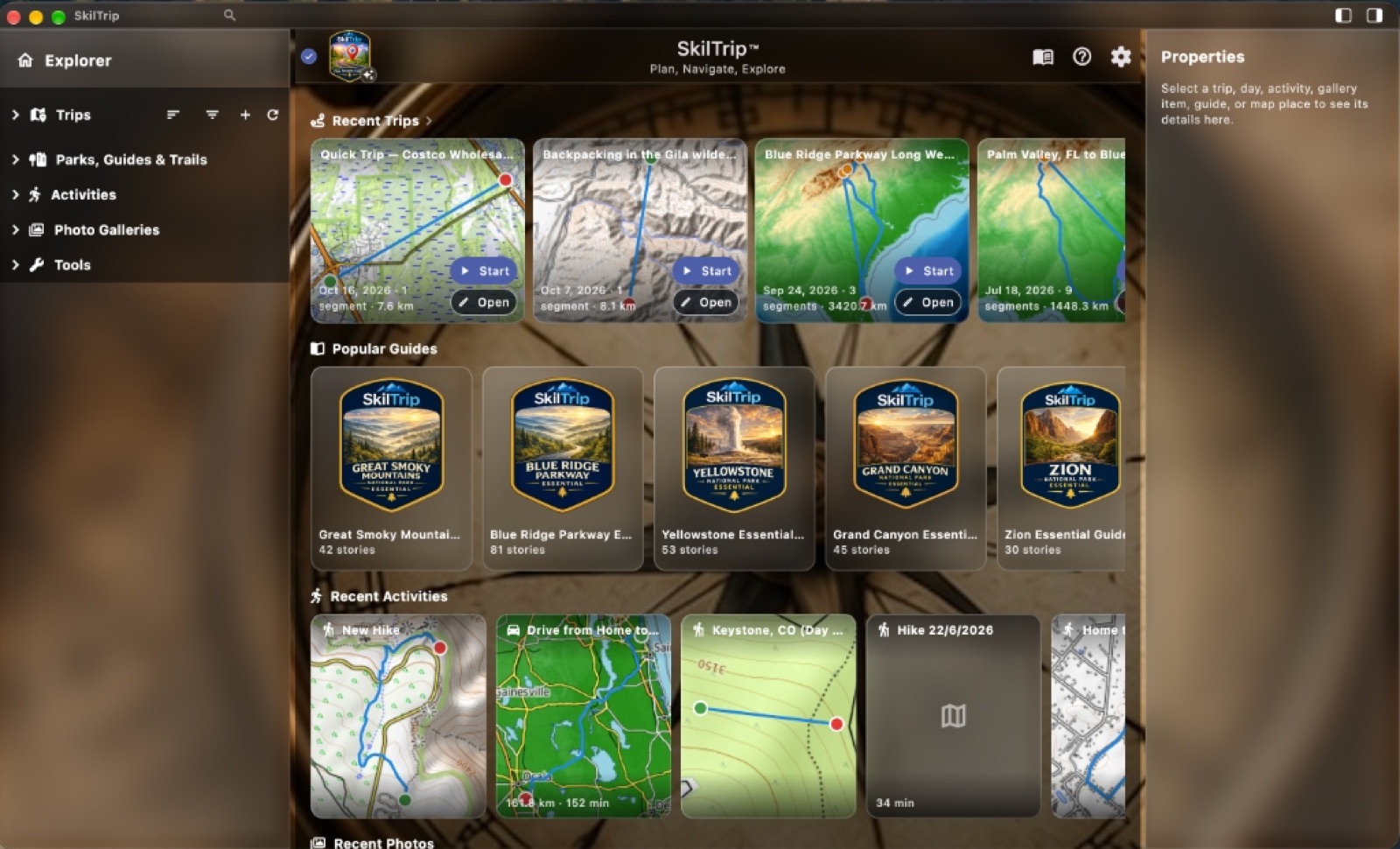
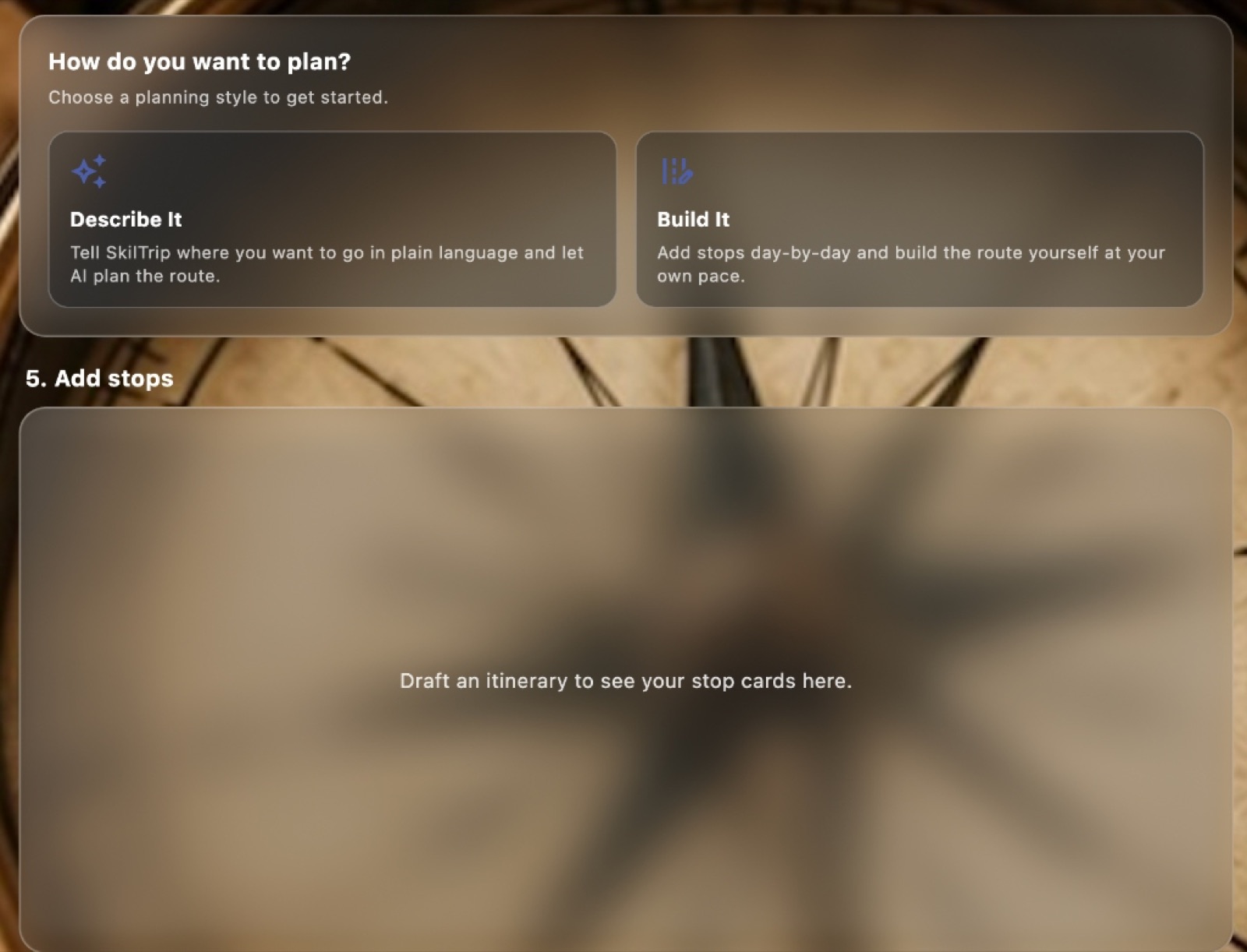
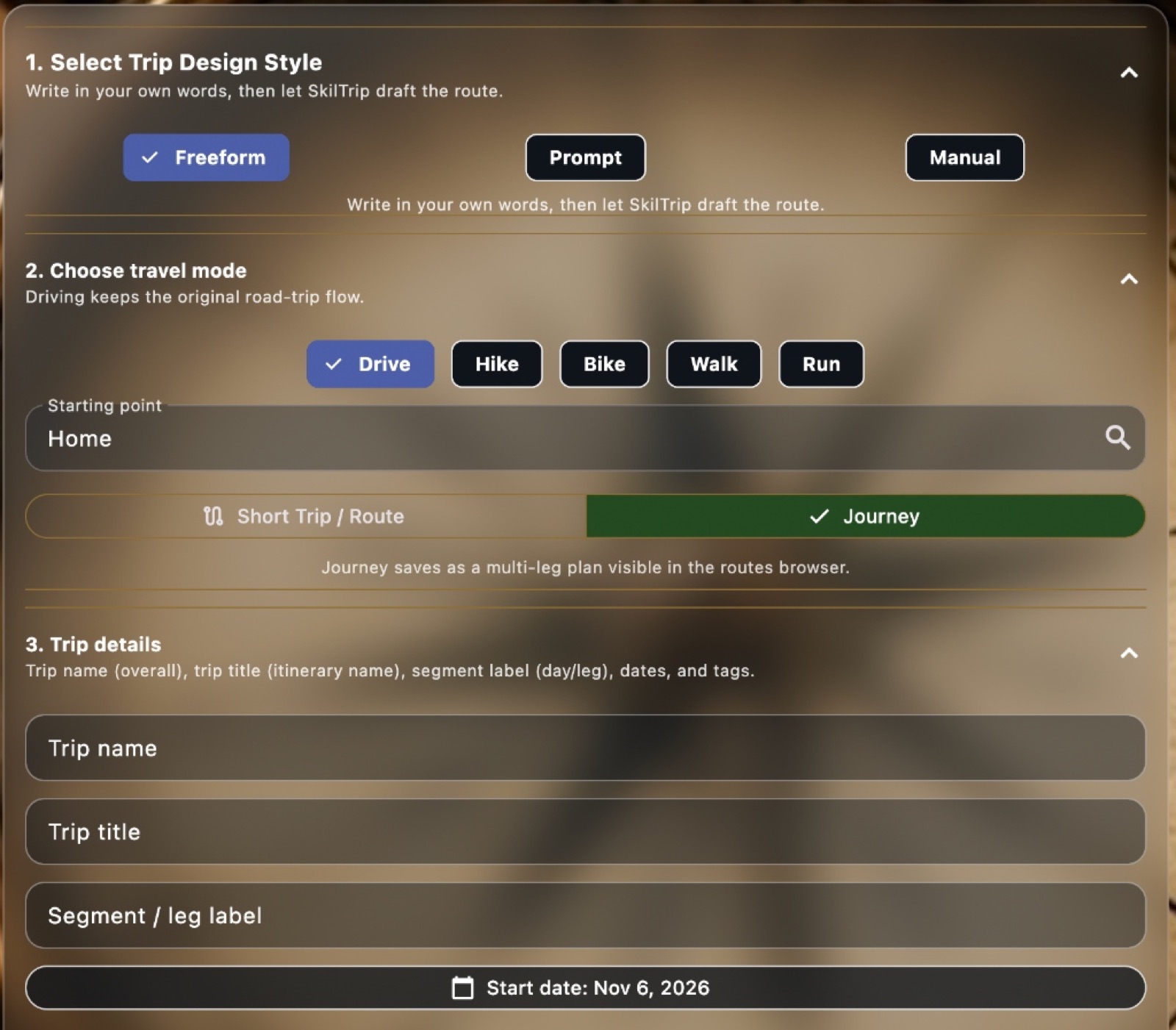
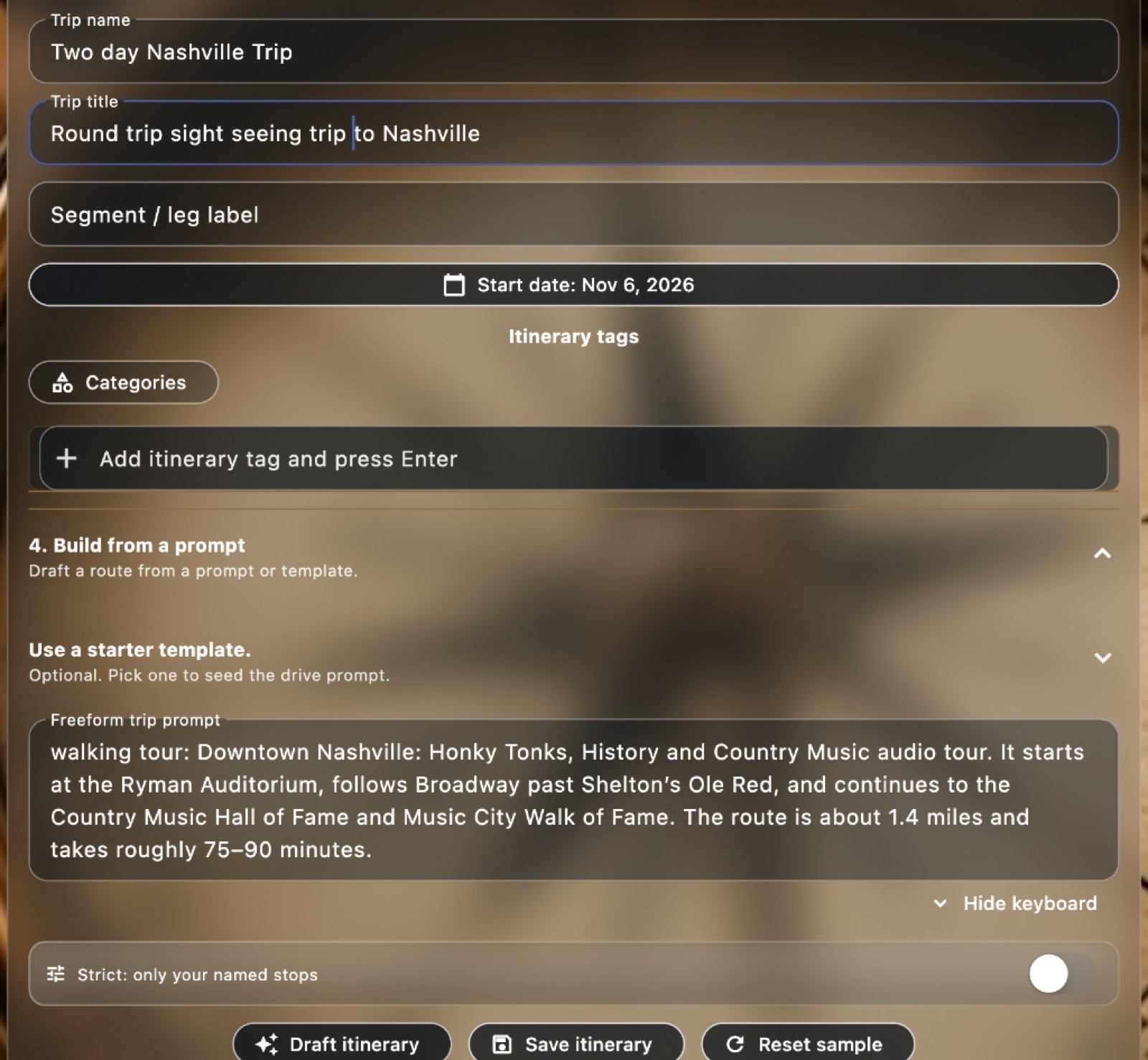
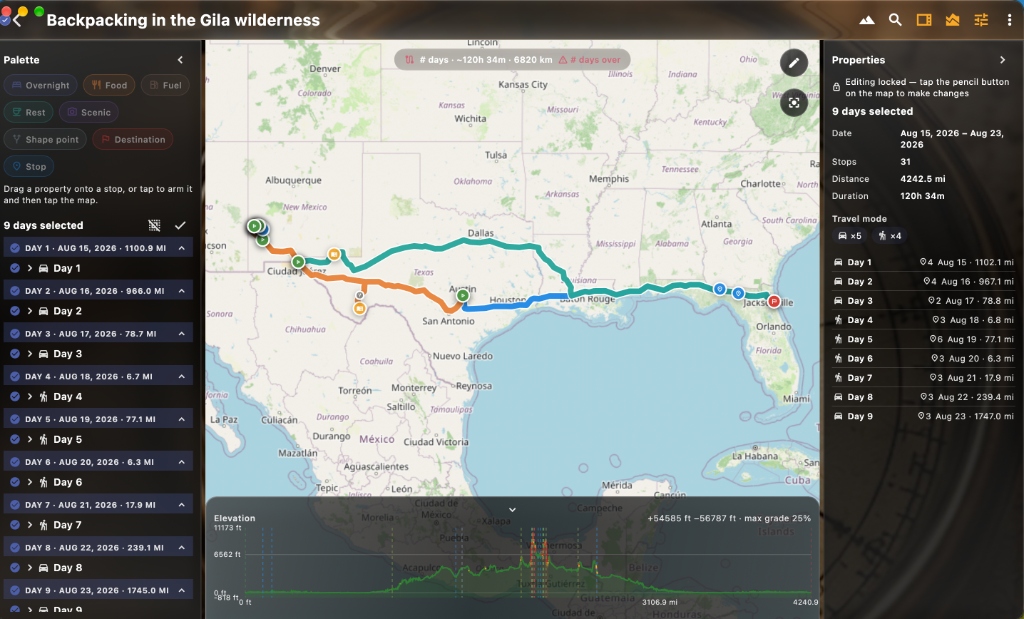
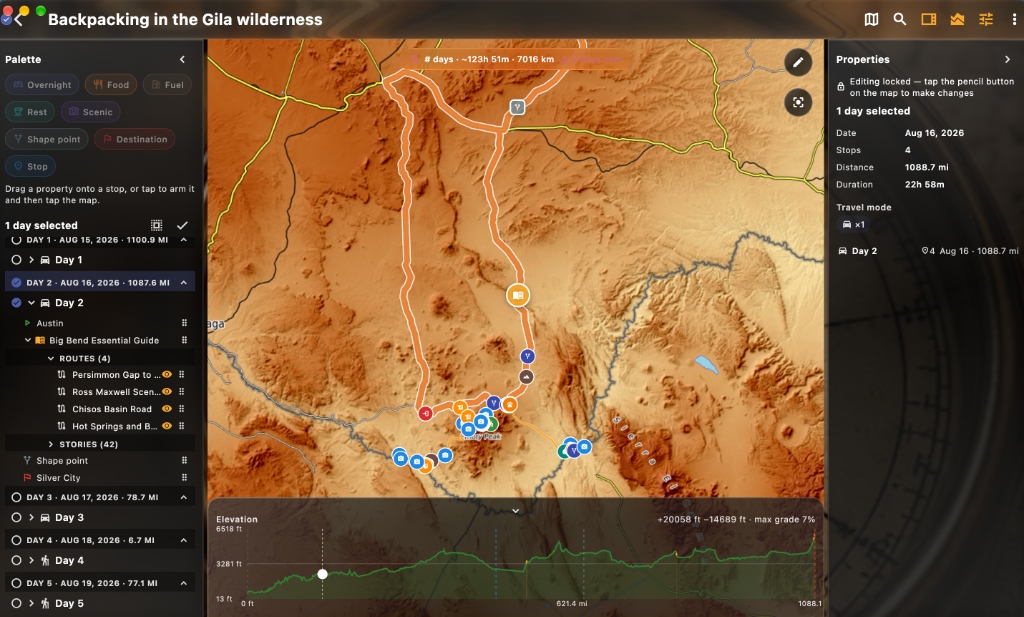
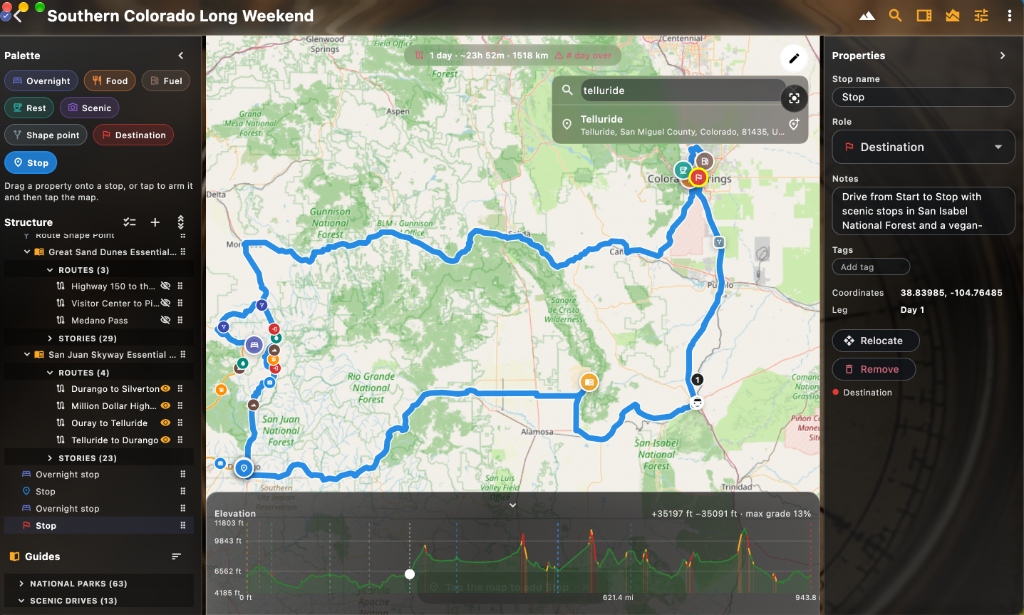
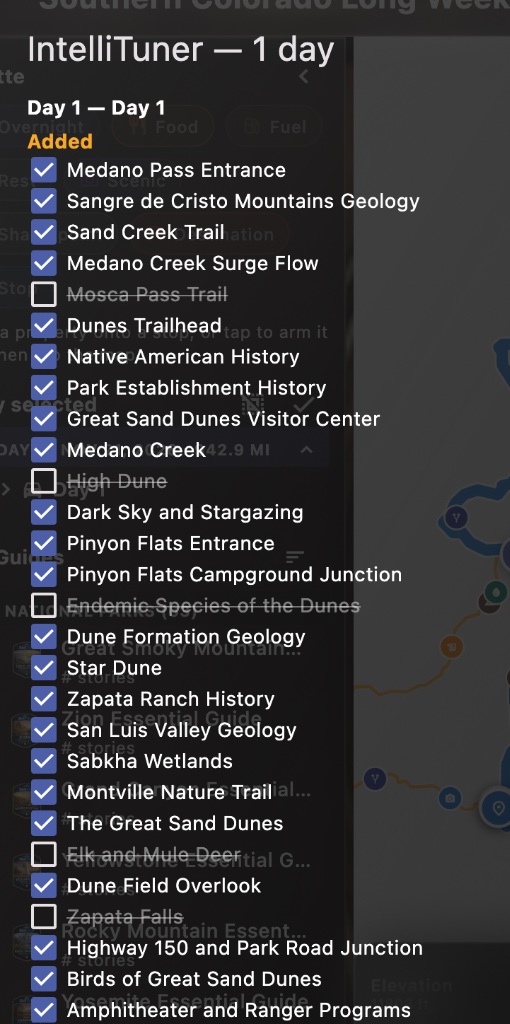
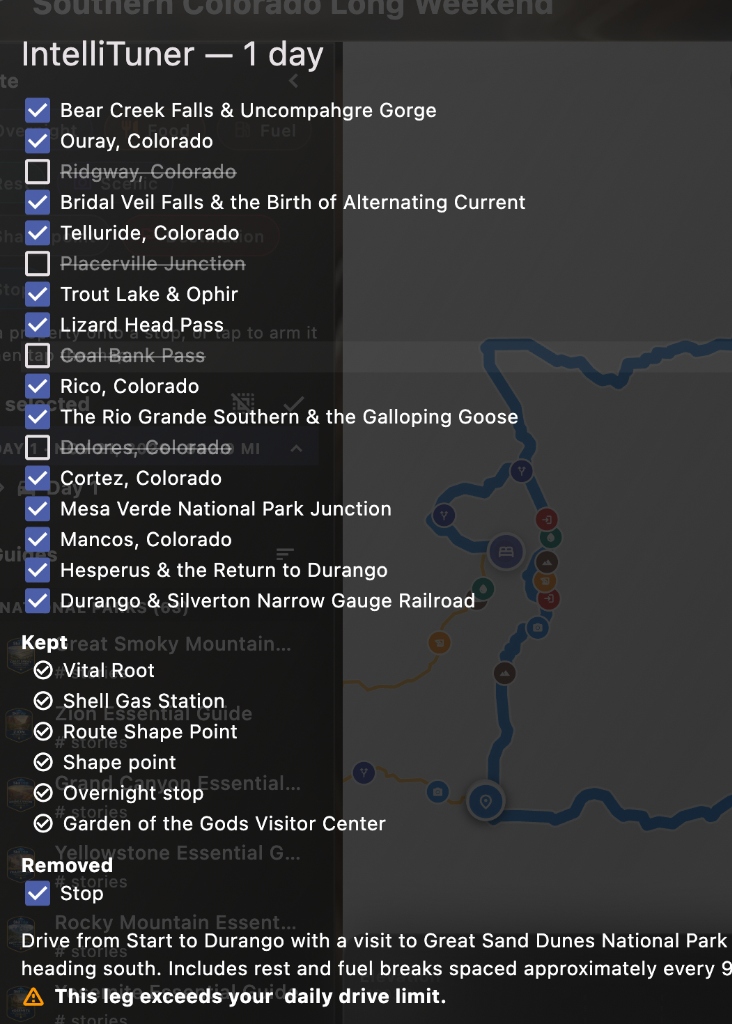
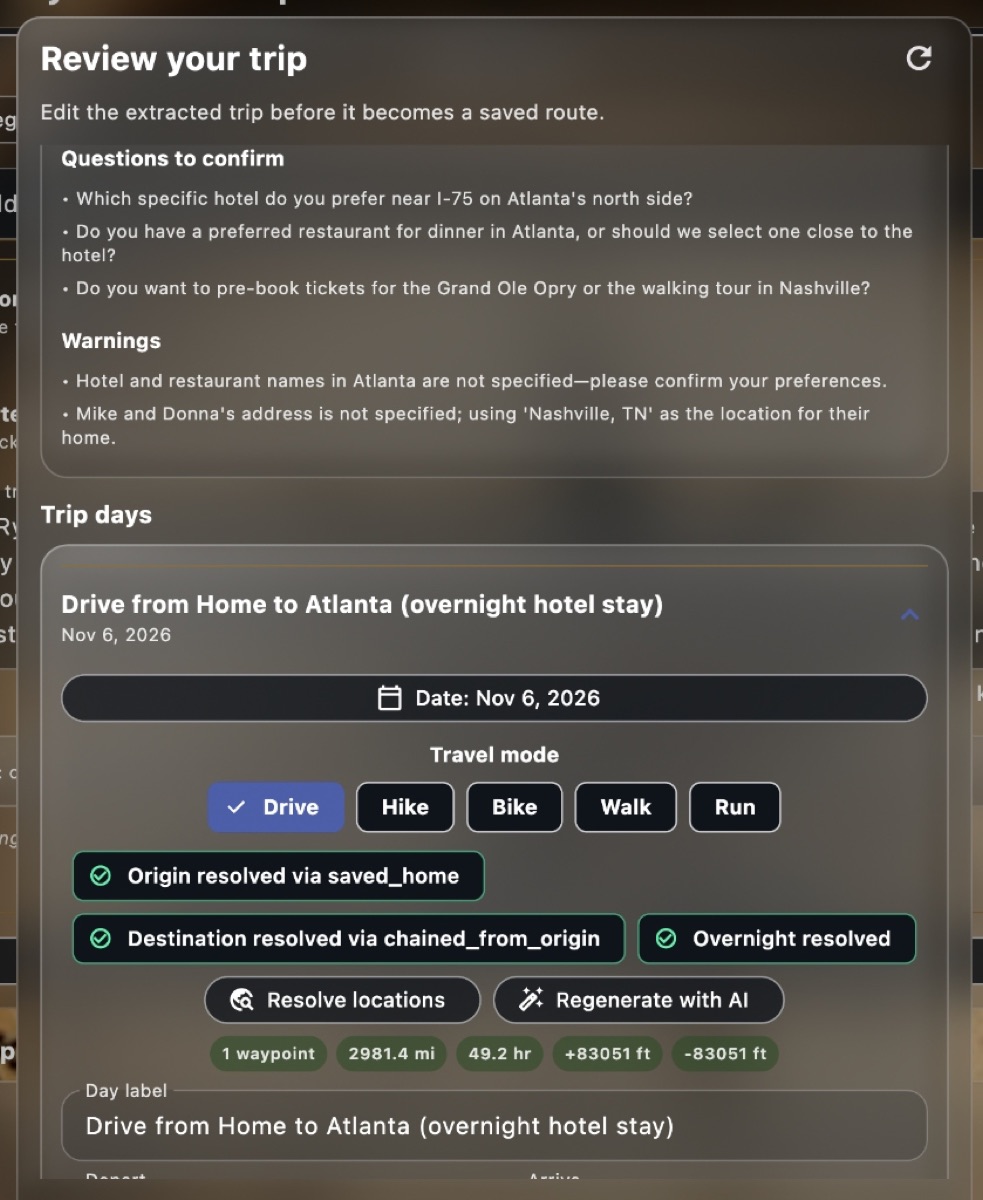
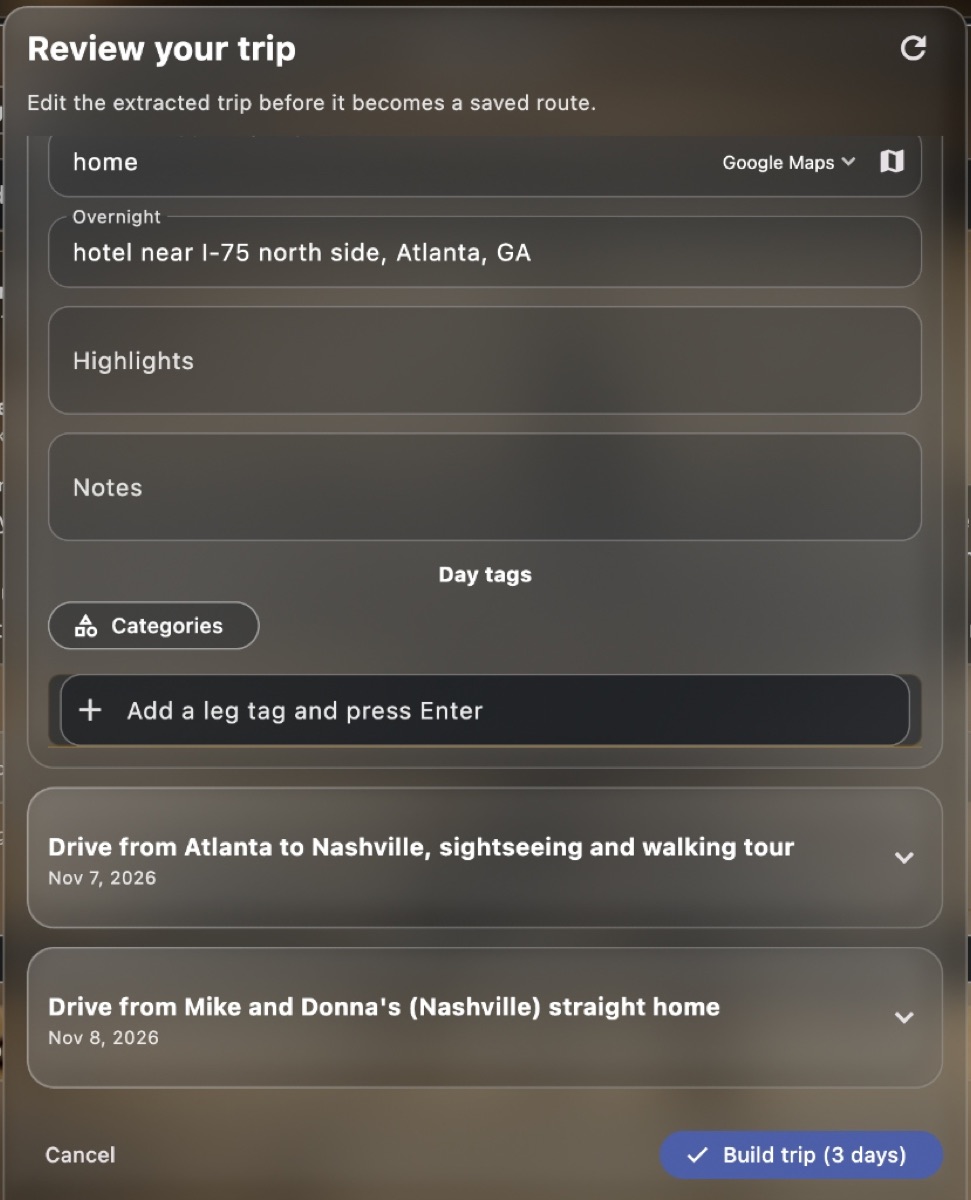
Home, on the desktop. The full three-panel workspace — Explorer on the left with your trips, routes, and saved places; the map canvas in the middle; Properties on the right. Same SkilTrip, more room to think.The Trip Designer. Create a new trip or load an existing one — the full itinerary editor for multi-stop, multi-day adventures.Set a start point. Drop it on the map, search for a place, pull from your saved places, or reuse a previous trip's stops — however the journey begins, the designer starts there.Saved places plug straight in. Your library — Yellowstone here, notes and tags included — drops into the itinerary without re-searching a thing.The Trip Canvas — the whole itinerary at once. All nine days of this Gila Wilderness trip selected: each leg drawn in its own color, drive-and-hike modes side by side, 31 stops and 4,242 miles totaled in Properties, elevation for the full route along the bottom.Drill into a single day. Day 2 on the topo map — the Big Bend Essential Guide woven into the leg, its scenic routes and all 42 story points listed in the structure and pinned across the map.Every stop is editable in place. Role, notes, tags, coordinates — relocate or remove right from Properties. Or hand a leg to IntelliTuner: drop a hint like "scenic stops and a lunch break" and it re-plans the pacing — rest, fuel, meals, and lodging matched to your driving preferences — previewed before anything changes.IntelliTuner, on review. Ask a leg for more and it re-plans the day — forty-some proposed waypoints along this Colorado Springs–Durango leg: trailheads, scenic stops, and Great Sand Dunes story points, each one checked by default and yours to uncheck before it lands.You approve every change. Added, kept, and removed lists — each suggestion yours to uncheck — plus the regenerated day notes and a flag when the tuned leg runs past your daily drive limit, with a one-tap offer to split it in two and later days moving forward to make room.Plan a Trip, the fast way. On the phone: name it, pick the destination, add stops — or let the AI draft them — set dates and overnights, and choose the trip's character.Give the trip a character. Scenic drive, campground stay, trailhead hike, sightseeing — the choice shapes the stops and pacing the planner builds for you.
Guides in your pocket
Essential Guides bring curated, narrated adventures to national parks and scenic drives — DriveTime Tours discovers what’s around you as you go.
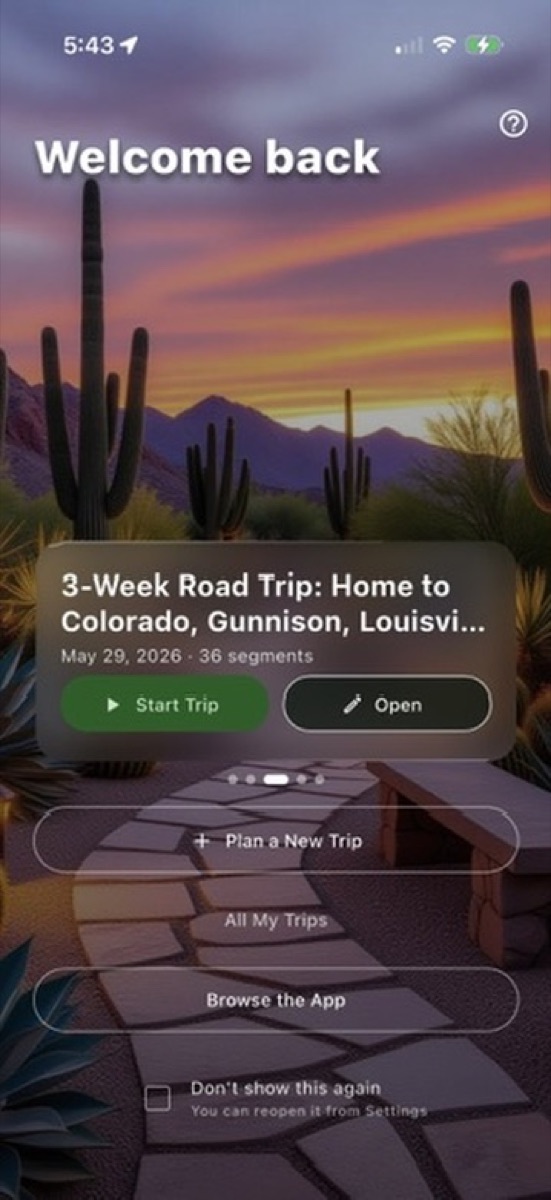
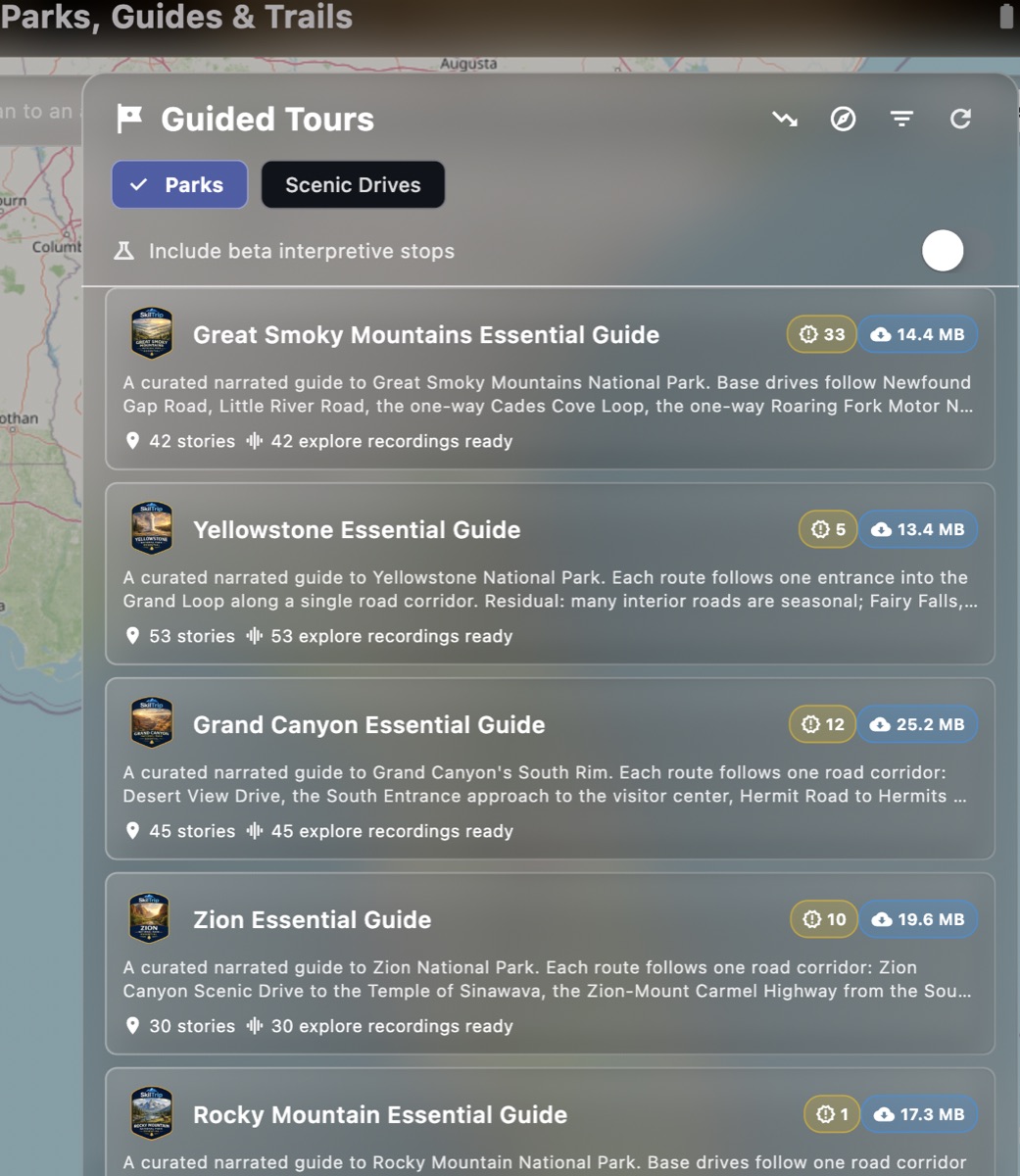
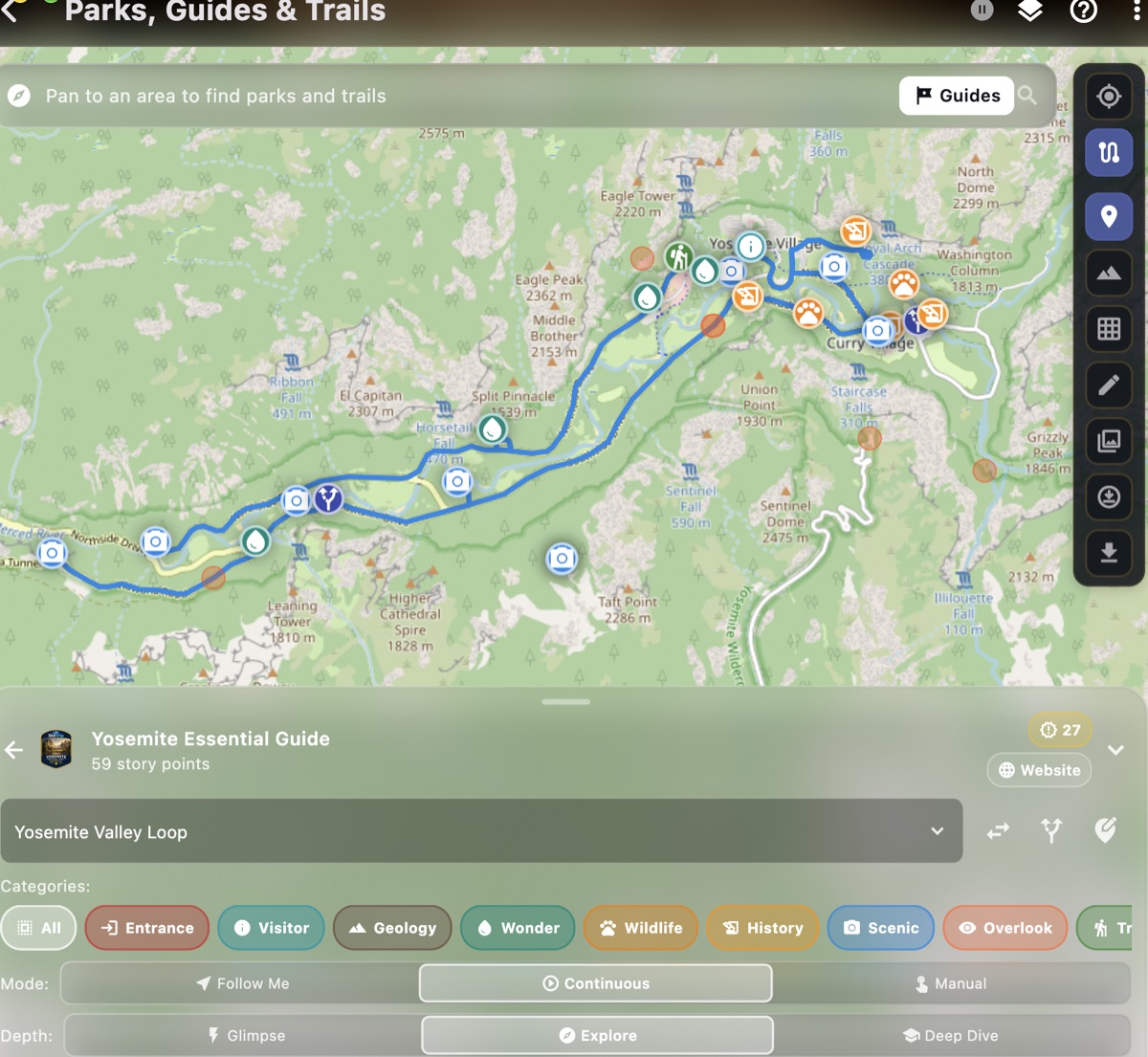
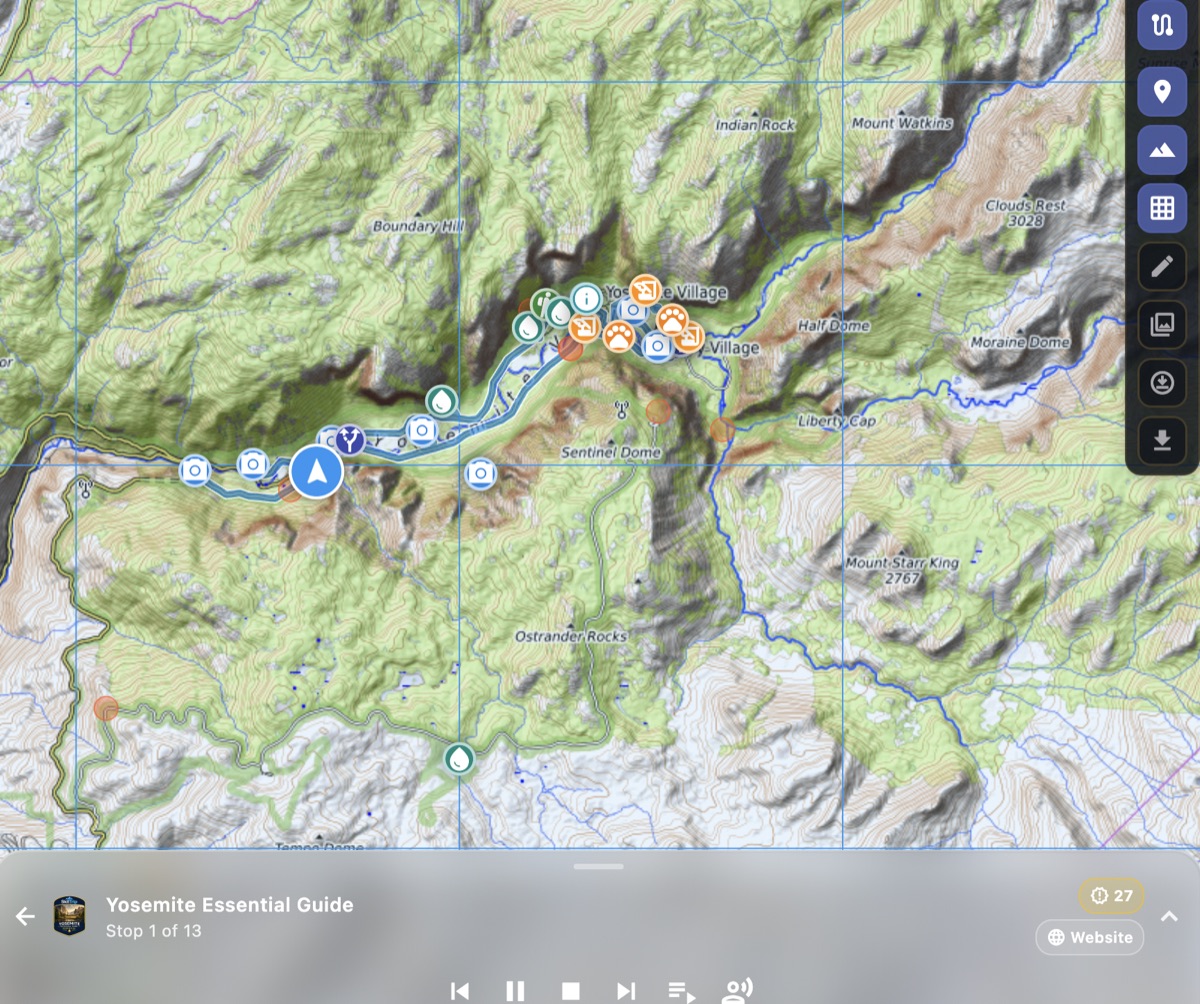
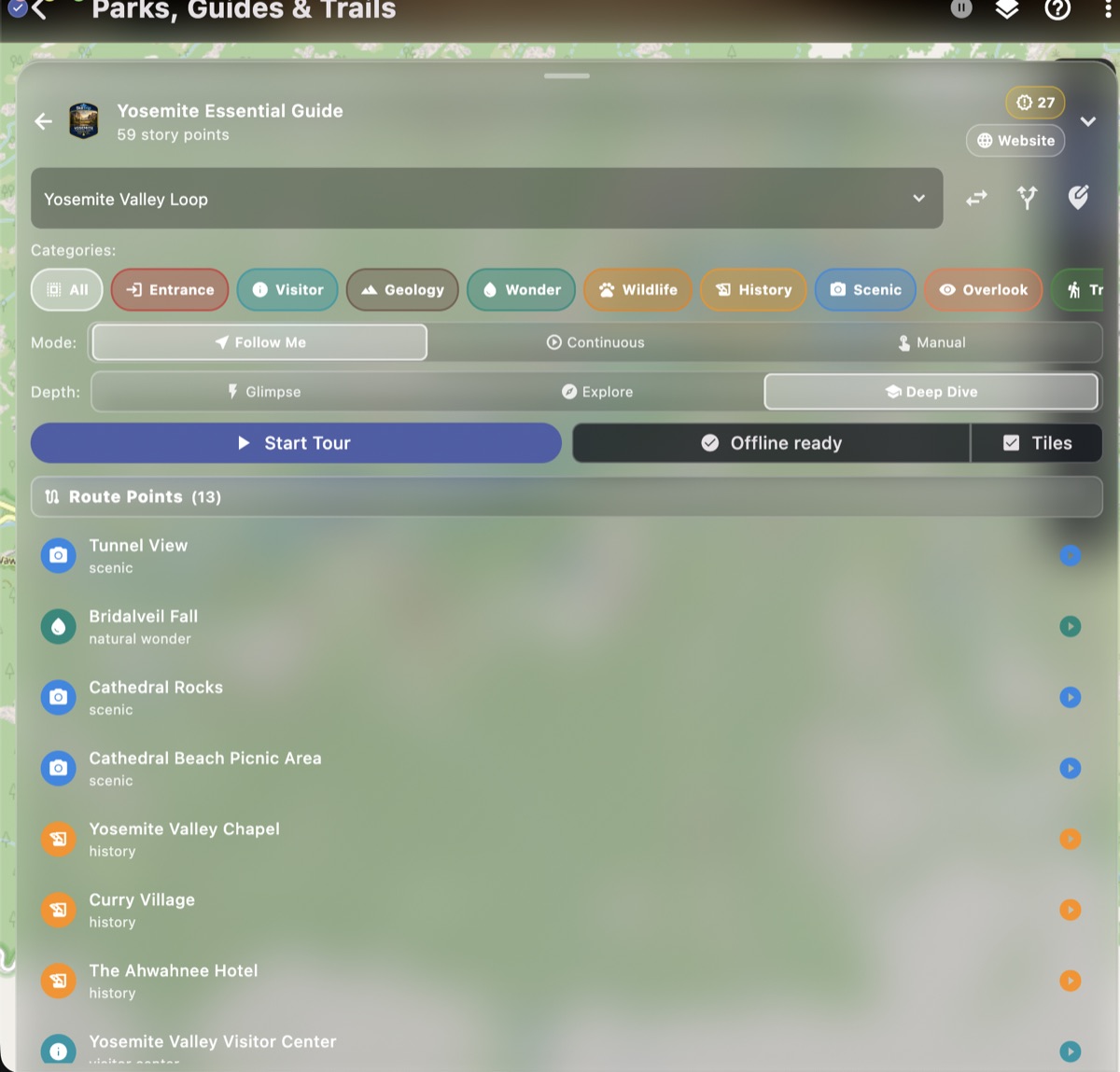
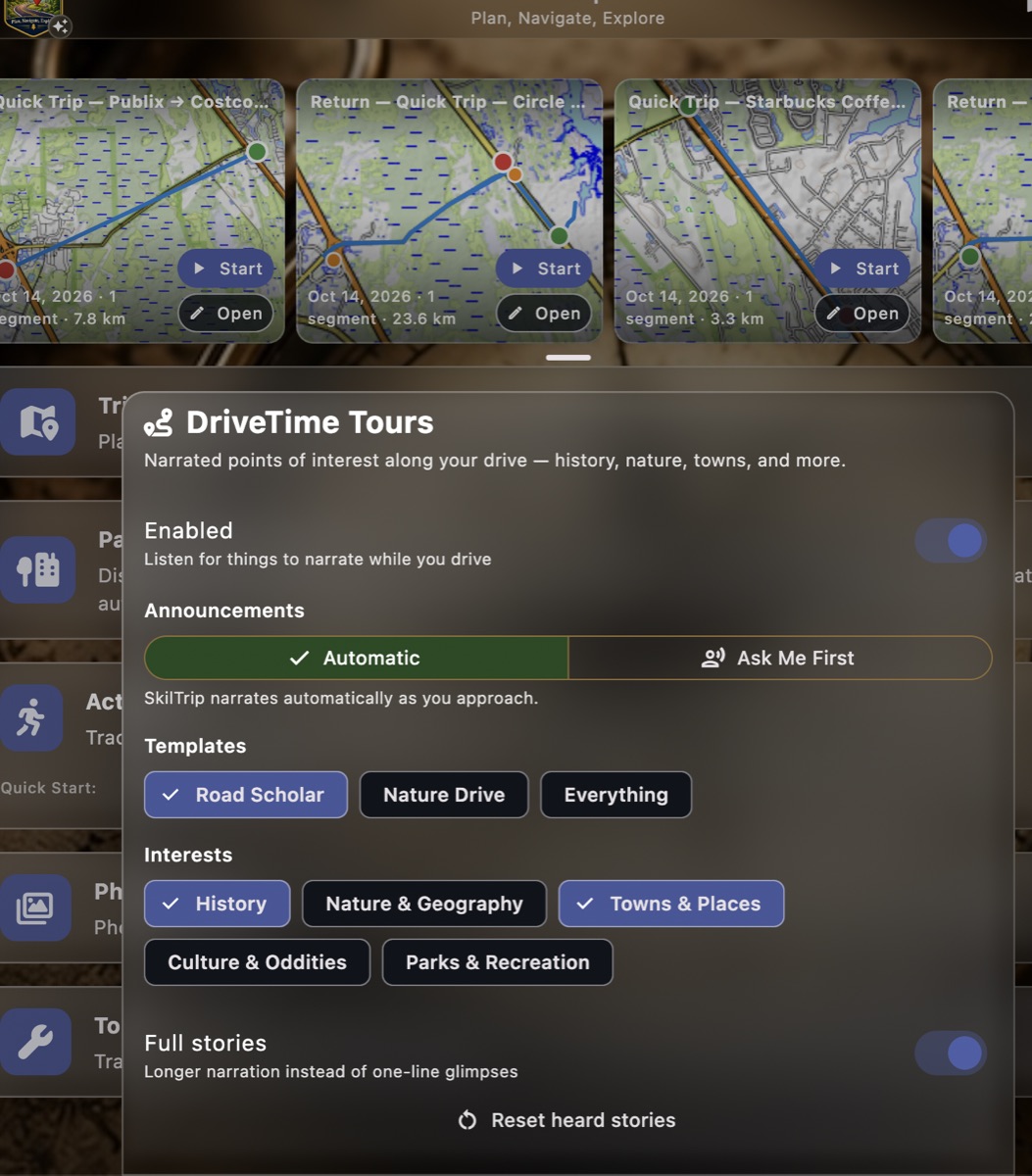
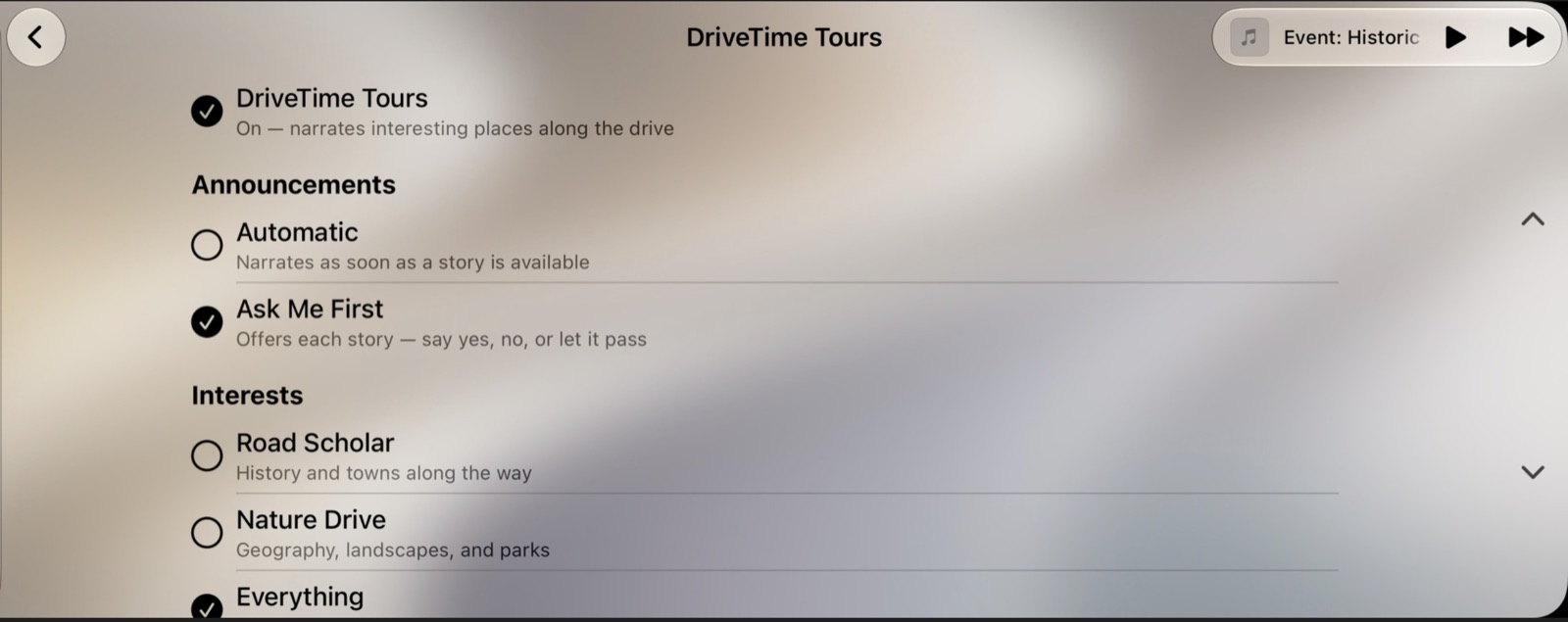
Home is where a trip starts. Your saved trips, routes, and places sit front and center, with quick actions to plan a new itinerary, open the map, or fire off a QuickTrip — the same hub CarPlay picks up the moment you plug in.The Guide Browser. Every Essential Guide in one place — curated adventures built for specific national parks, scenic drives, and destinations, each with a prepared route and narrated stops along the way.The Guide Panel. Open a guide and its story points lay over the map — the route, every narrated stop, and what each one covers, so you can see the whole adventure before the engine starts.A Follow Me tour playing. SkilTrip watches your position and narration fires automatically as you approach each point — glimpse, explore, or deep-dive — with transport controls there when you want them.The route-points list. Every guide carries its exact path through the park and where each story lands — preview the whole thing or jump straight to any stop.DriveTime Tours settings. Discovery without an itinerary — turn it on and SkilTrip introduces interesting places, history, and geography around you as you travel. Tune the categories and pacing to taste.
On the dash — CarPlay & Android Auto
Trips, tours, turn-by-turn, and discovery on the head unit — designed for glances, not fiddling.
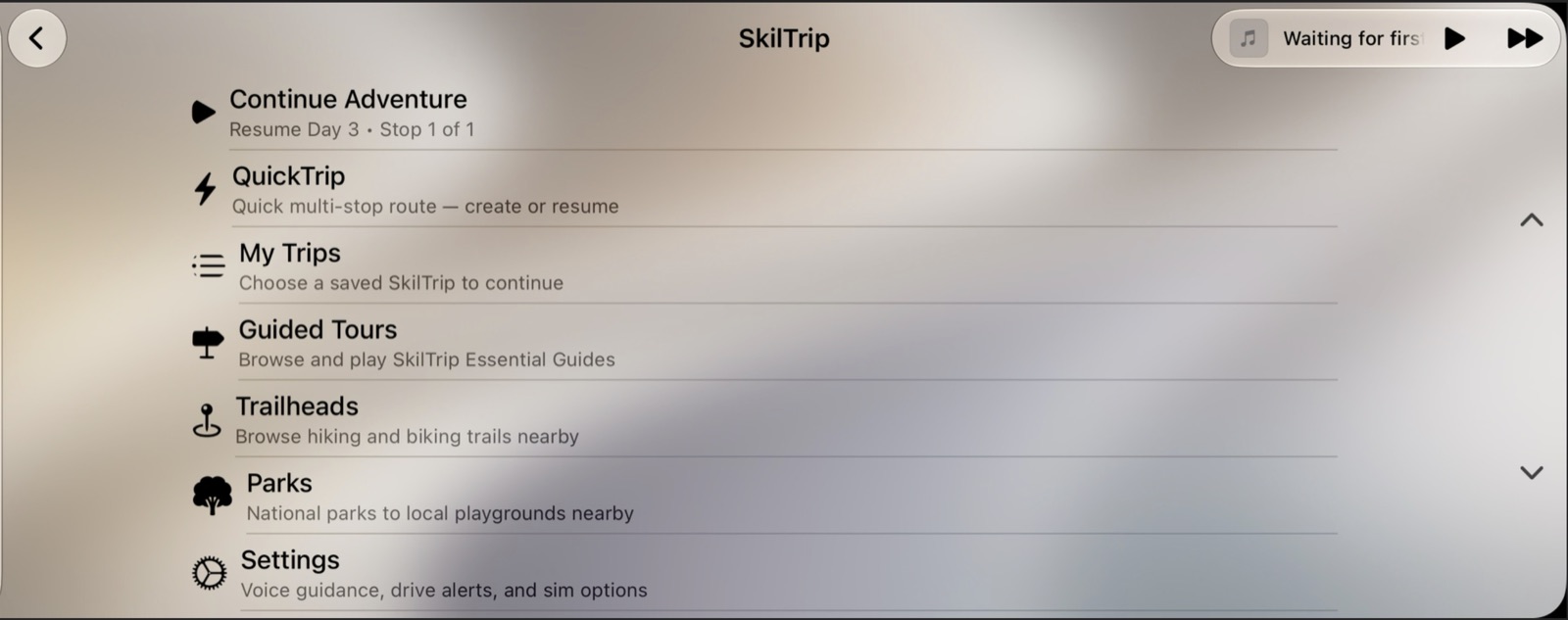
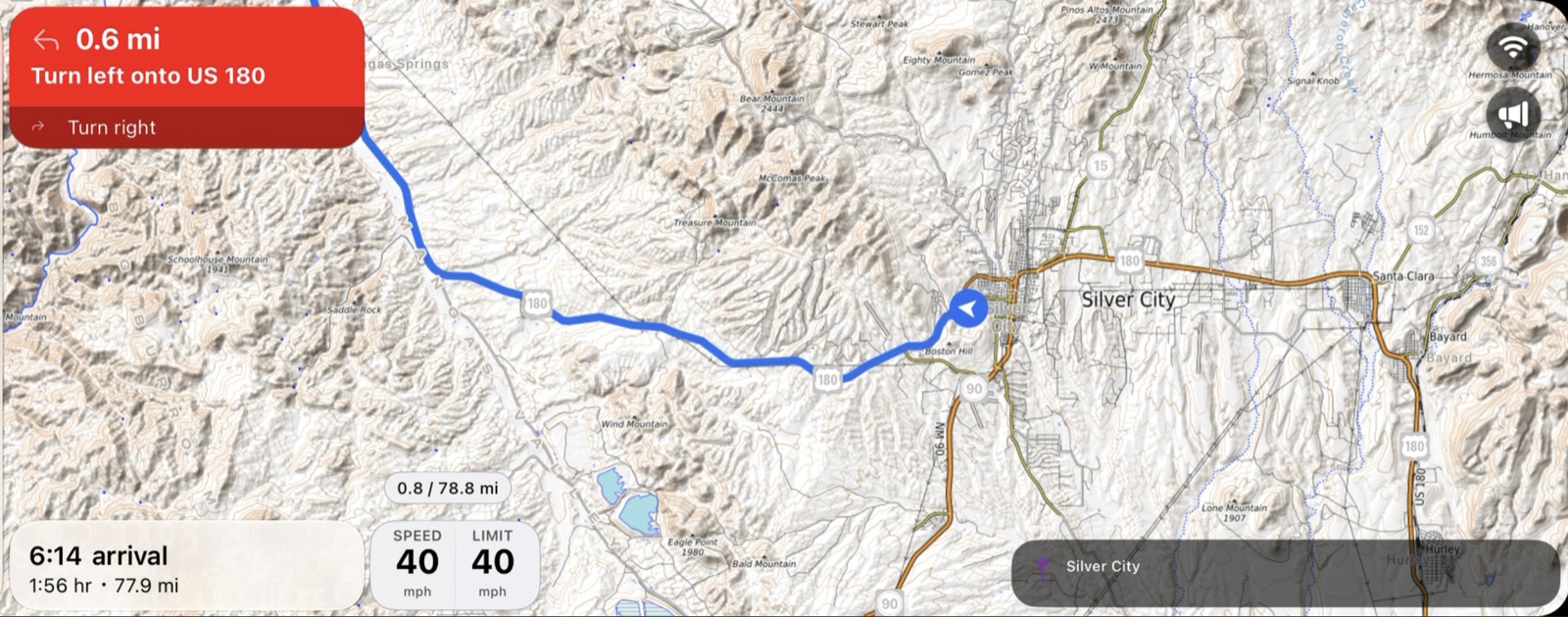
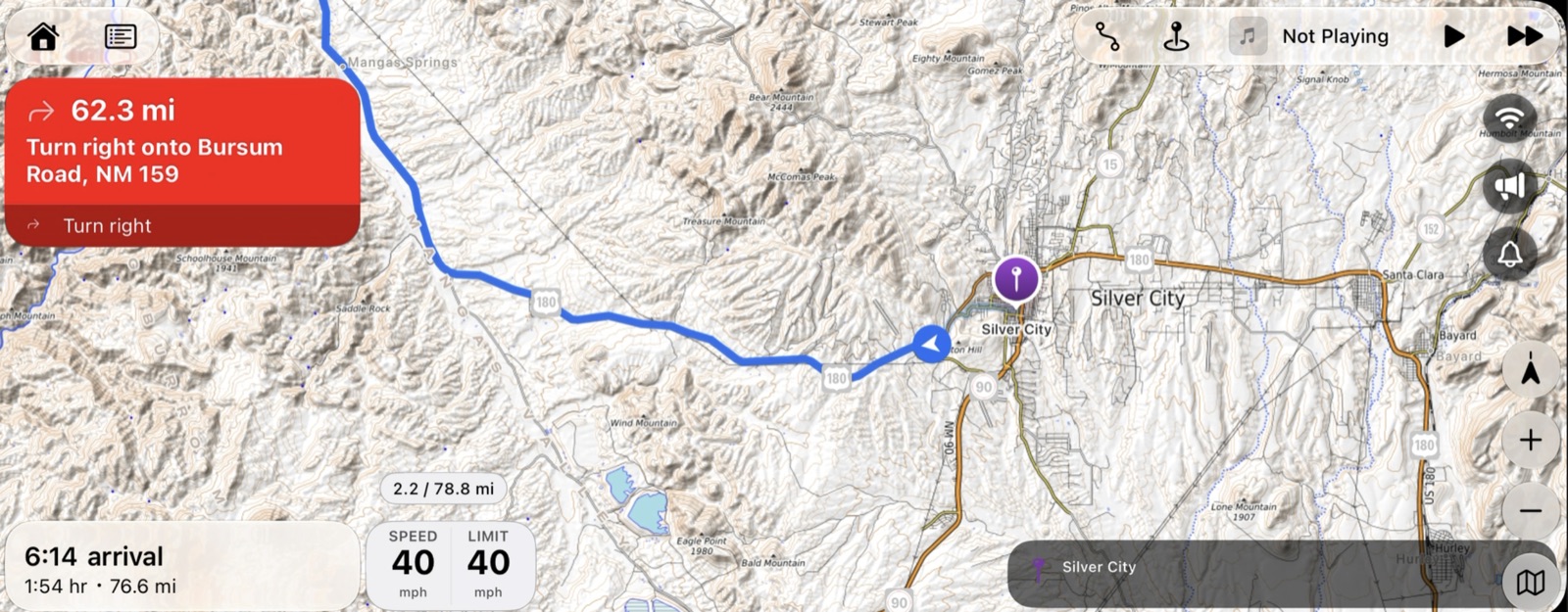
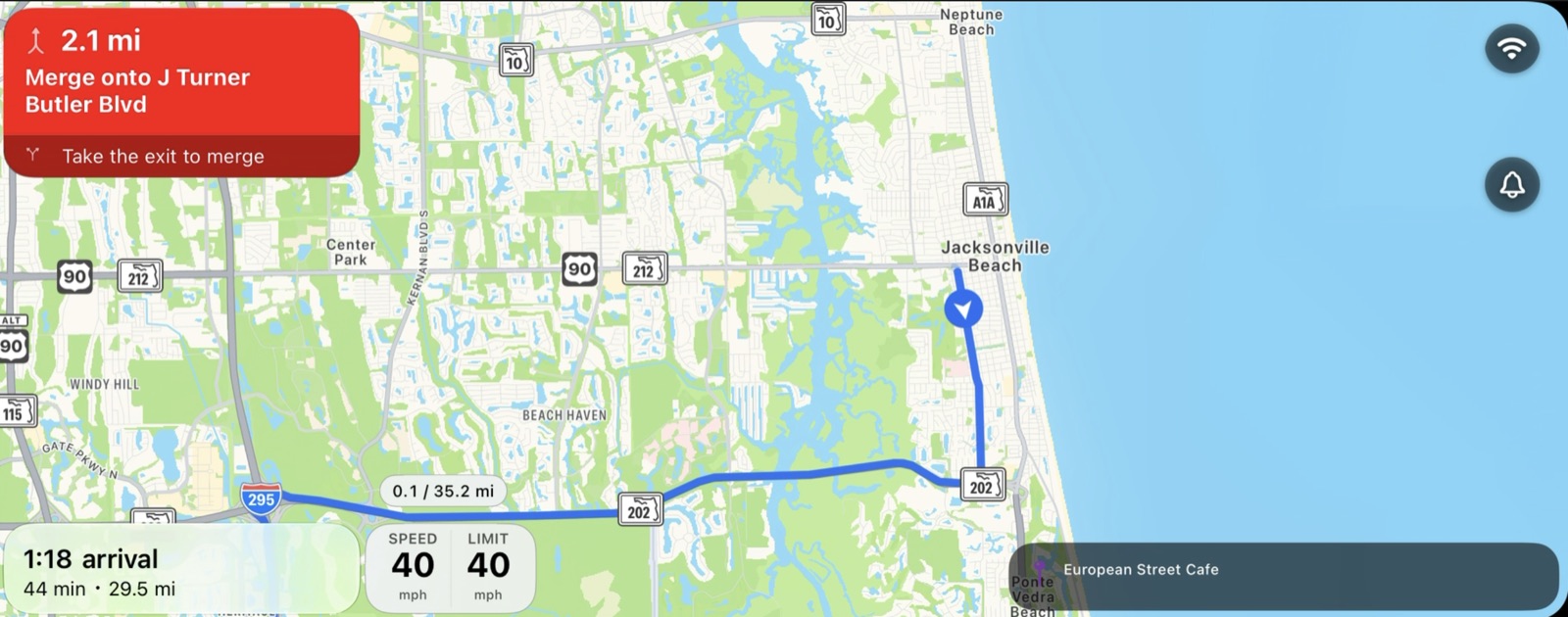
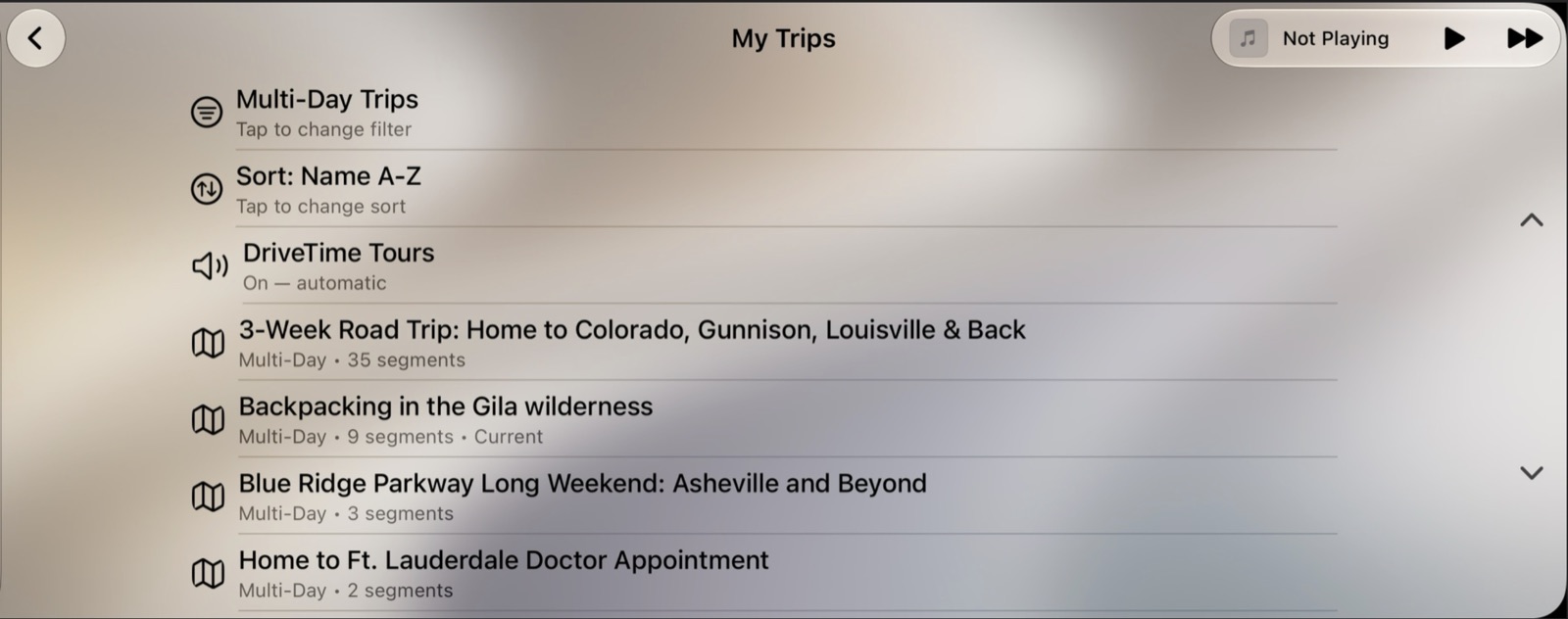
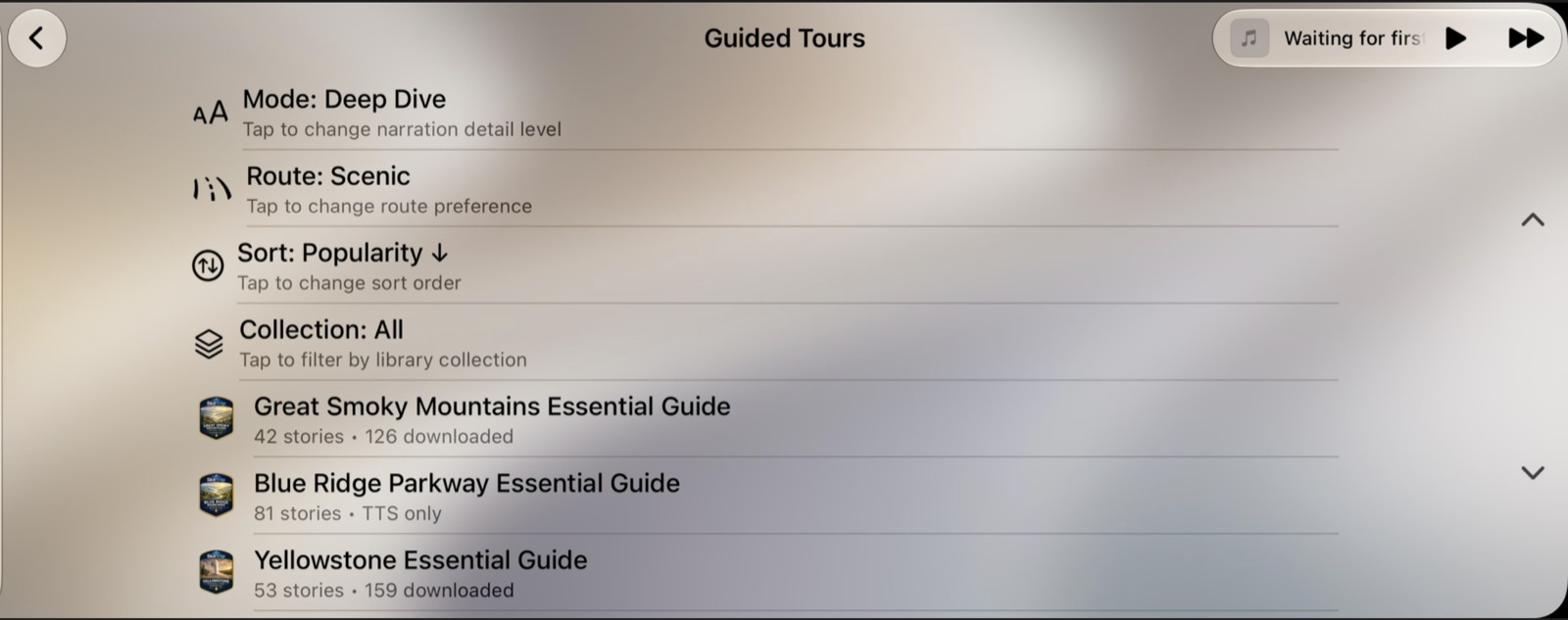
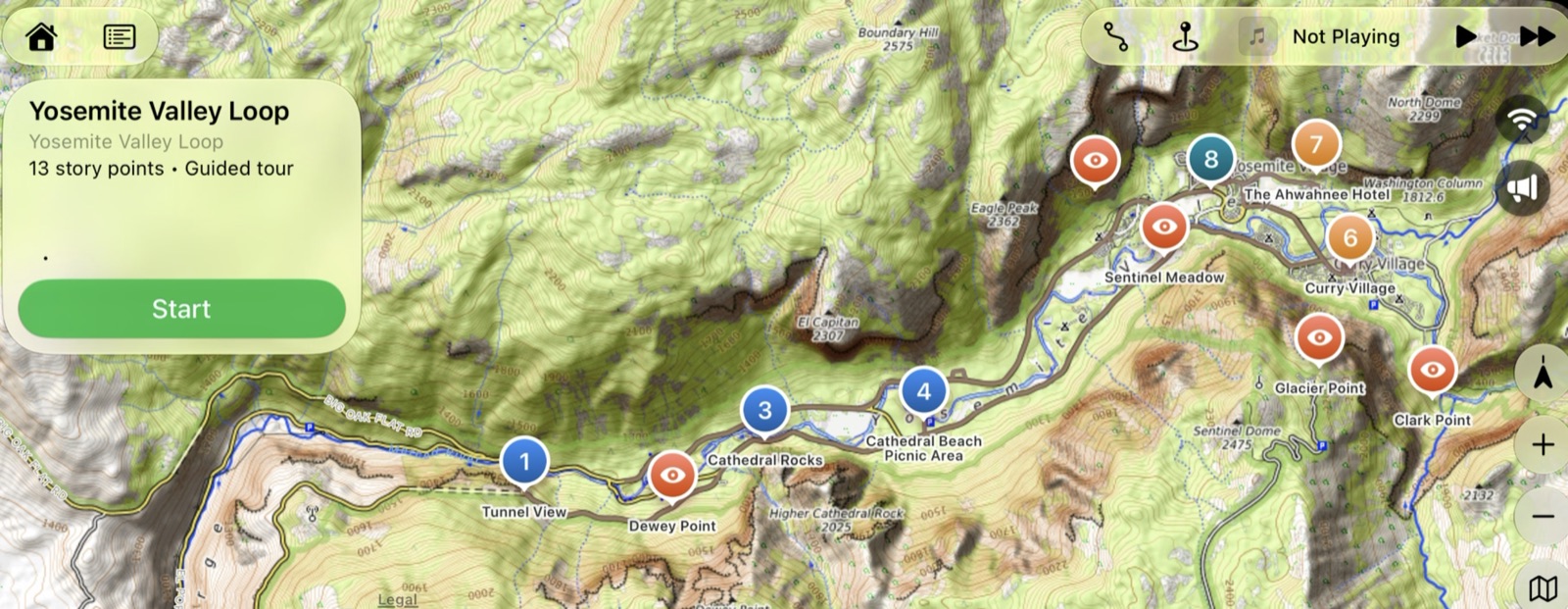
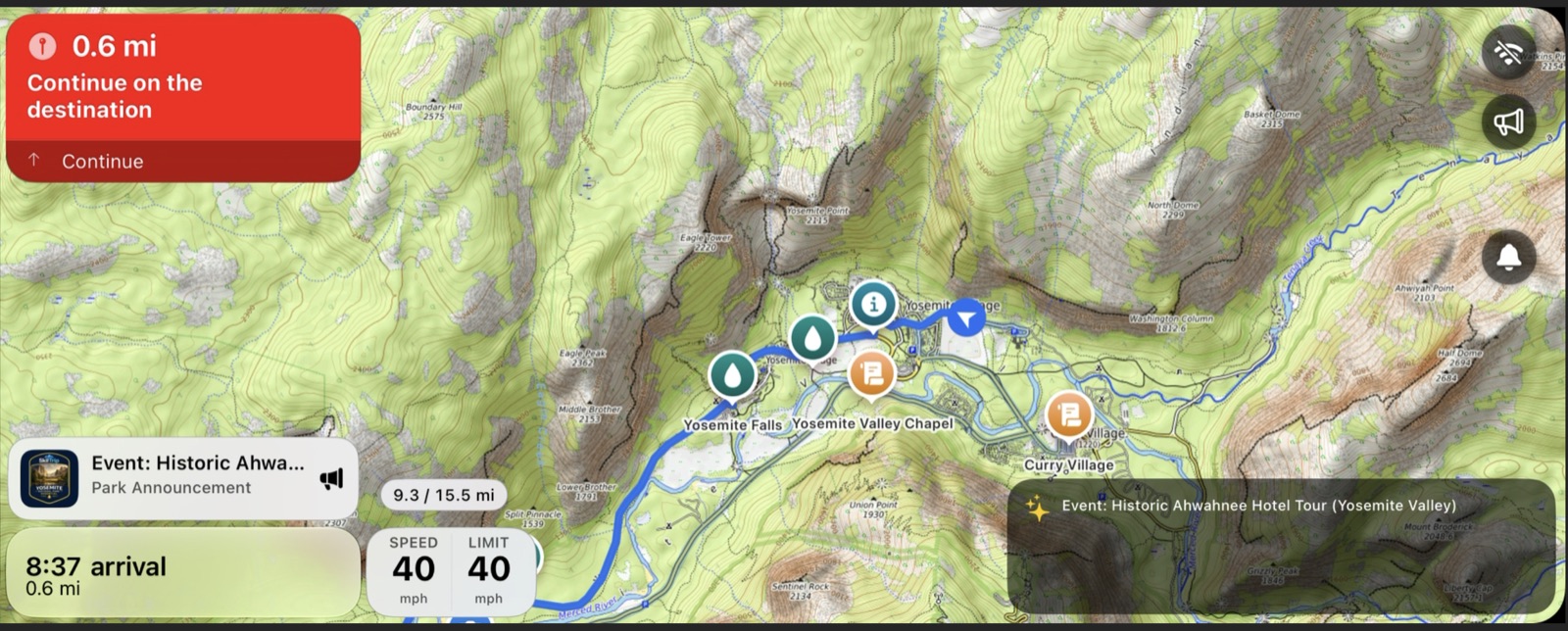
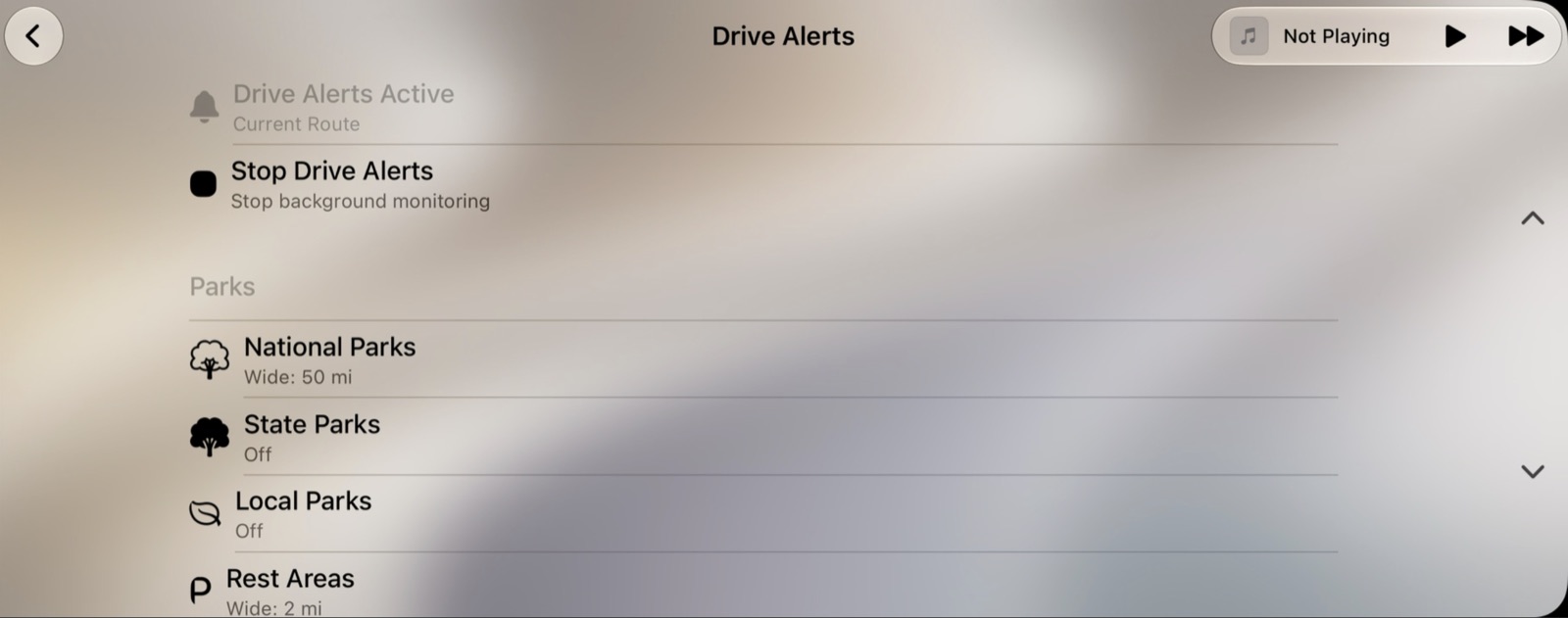
CarPlay home. The essentials in one short menu — your trips, guided tours, DriveTime Tours, and drive alerts — built for glances, not menus-within-menus.Turn-by-turn on the head unit. The route line, the next maneuver, and the distance to it — built-in navigation that follows your entire itinerary, not just the next stop.Controls that stay out of the way. Map buttons and a live status column keep connection, narration, and route state a glance away at highway speed.QuickTrip, hands-free. Say where you’re headed and add stops by voice — the route you started on the couch lands on the dash, ready to drive.My Trips on the dash. The itinerary you built on your phone shows up here — pick a trip, pick up where you left off, and go.Guided Tours on the head unit. Every Essential Guide browsable from behind the wheel — pick a park or a scenic drive and let the tour narrate itself.A tour in progress. The tour card over the map shows what’s playing and what’s ahead — here, the Yosemite Valley Loop.Stories arrive as you drive. And the slashed connection badge tells the real story — once a tour is downloaded, it keeps narrating when the cell signal doesn’t.DriveTime Tours on the dash. Browse discovery categories and let the landscape introduce itself — no itinerary required, just go.Drive Alerts. The heads-ups worth hearing — speed limits, hazards, and road notes — announced when they matter and quiet when they don’t.
Coming next — agent-booked trips
We're building the step after "plan": approve an assistant you trust and it works inside the trip you just built — proposing a real reservation for each overnight, matched to your preference weights, one approval at a time. Watch for the pending-actions queue in a future build.
Ready when you are
SkilTrip is in private beta — new builds land regularly.